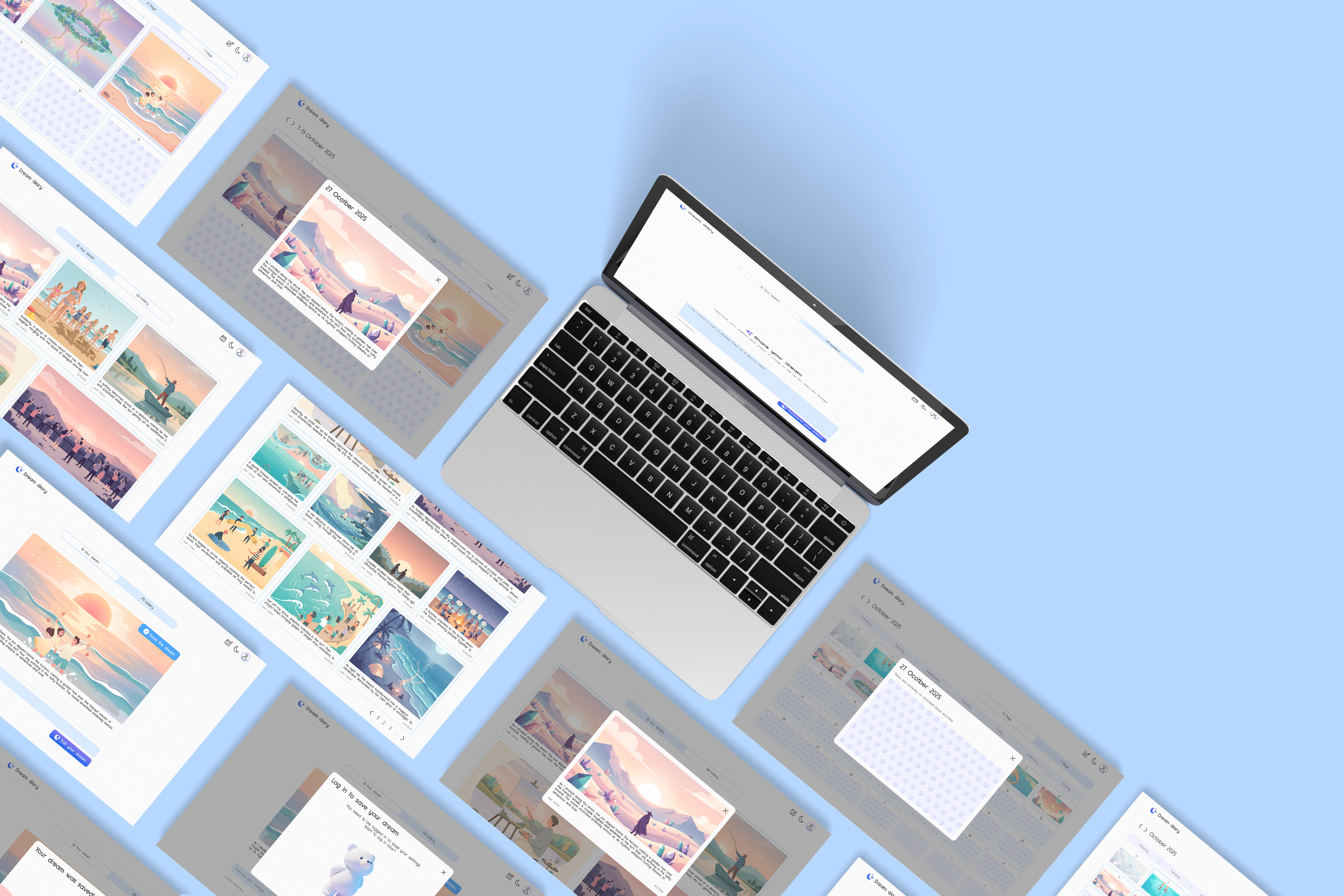
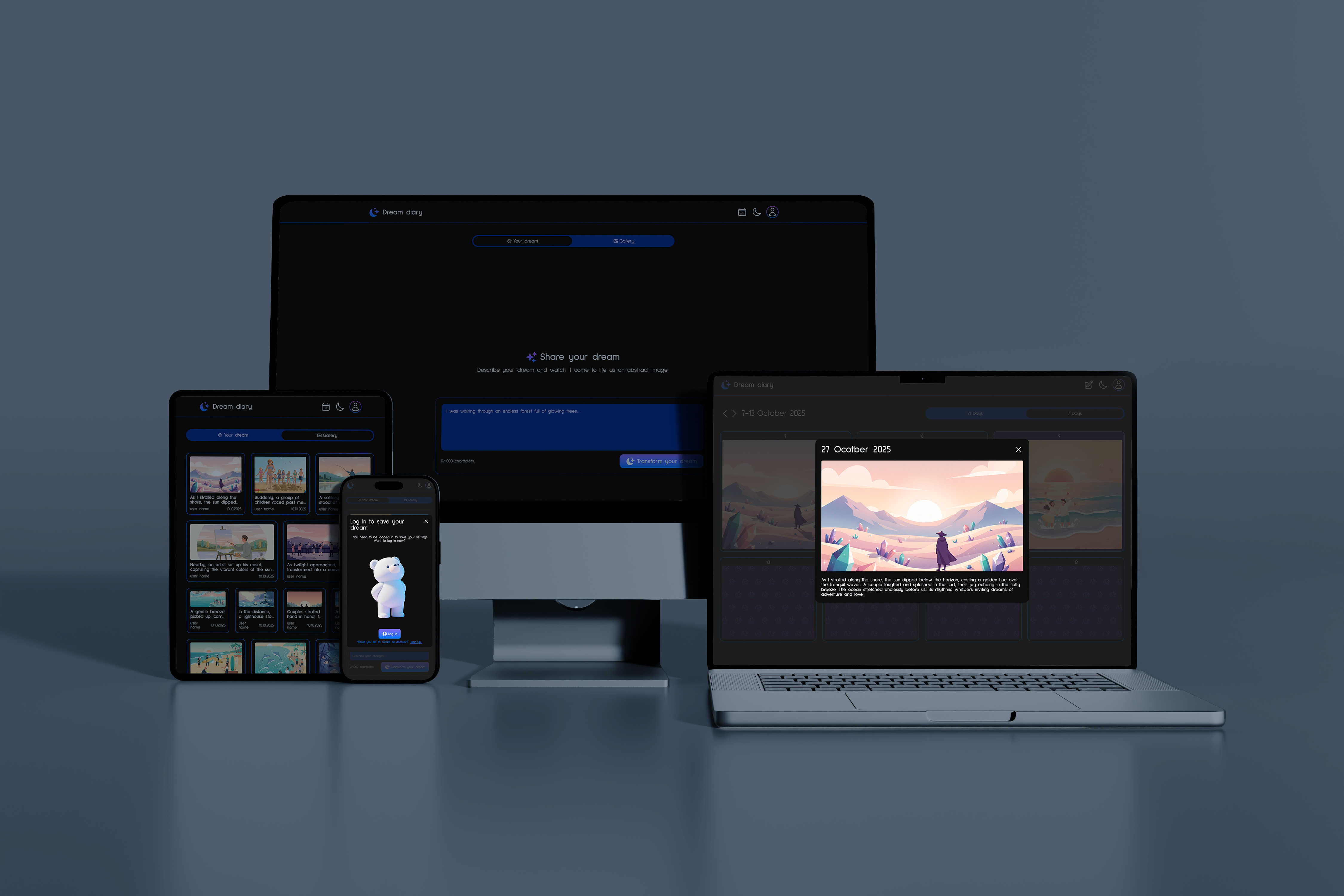
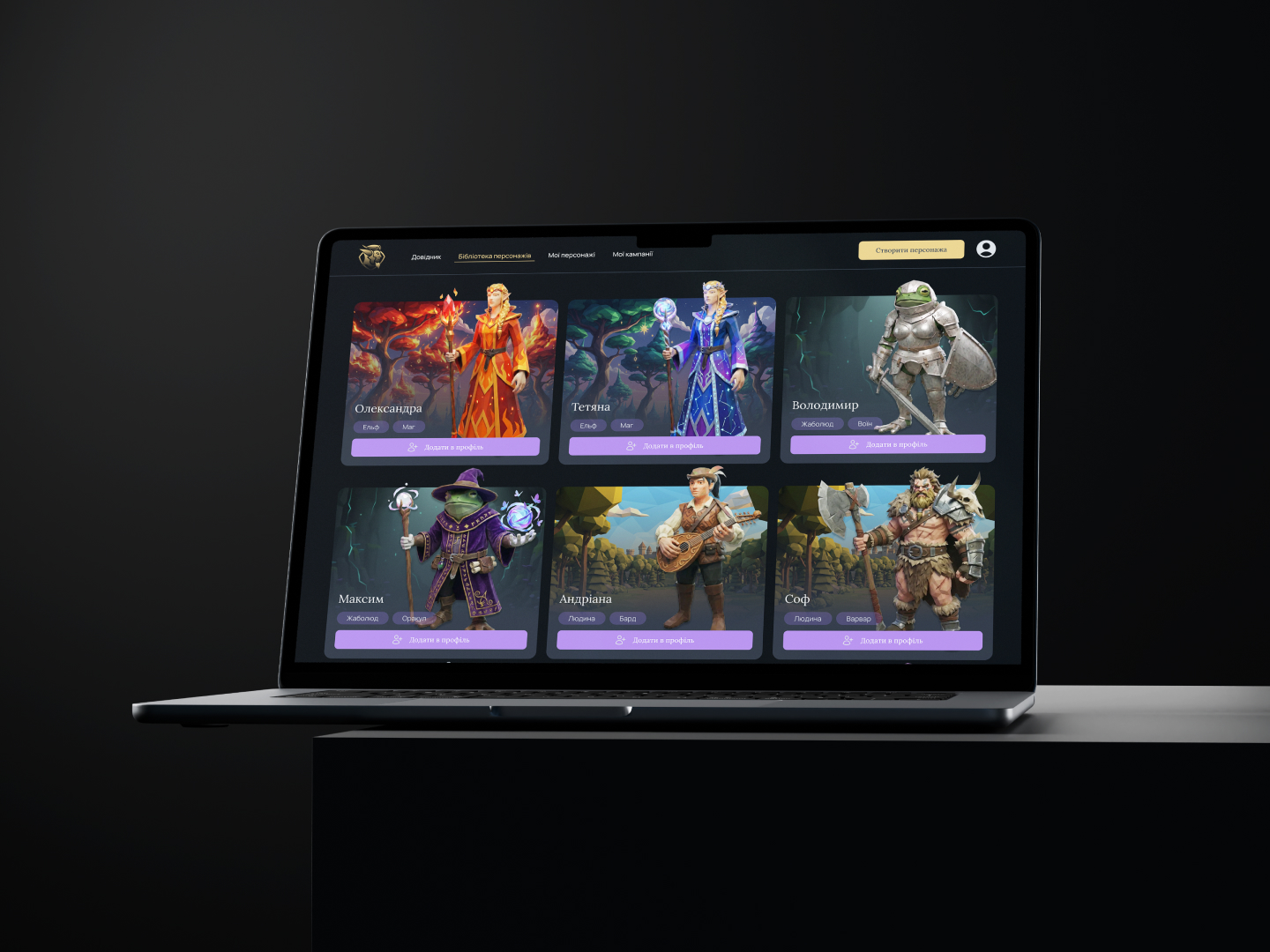
Dream Diary · iOS · Web · Pet Project
A dream journal, from Figma Make to a published app.
Challenge
Dreams are vivid. Traditional journals are not.
Dreams are fleeting, and traditional journals fail to capture their vivid, visual essence. By the time you find a pen, the image is already fading. Text alone can't hold what the subconscious creates — the colours, the atmosphere, the impossible architecture.
I wanted to design a digital space that not only records the narrative of a dream, but uses generative AI to bring those memories to life visually — and provides structured tracking over time, so patterns can emerge that a simple diary would never surface.
My role & approach
Test a new tool on a real idea.
I had an idea for a visual dream journal and used it to test Figma Make. I moved the design back and forth between Figma Make and Figma: Make turned static screens into working ones, and Figma was where I kept control of hierarchy, spacing and the colour system.
The visual system is deliberately light: a colour palette and two themes, light and dark, which matters for an app used last thing at night and first thing in the morning. The UI exists to frame the generated image, not compete with it.
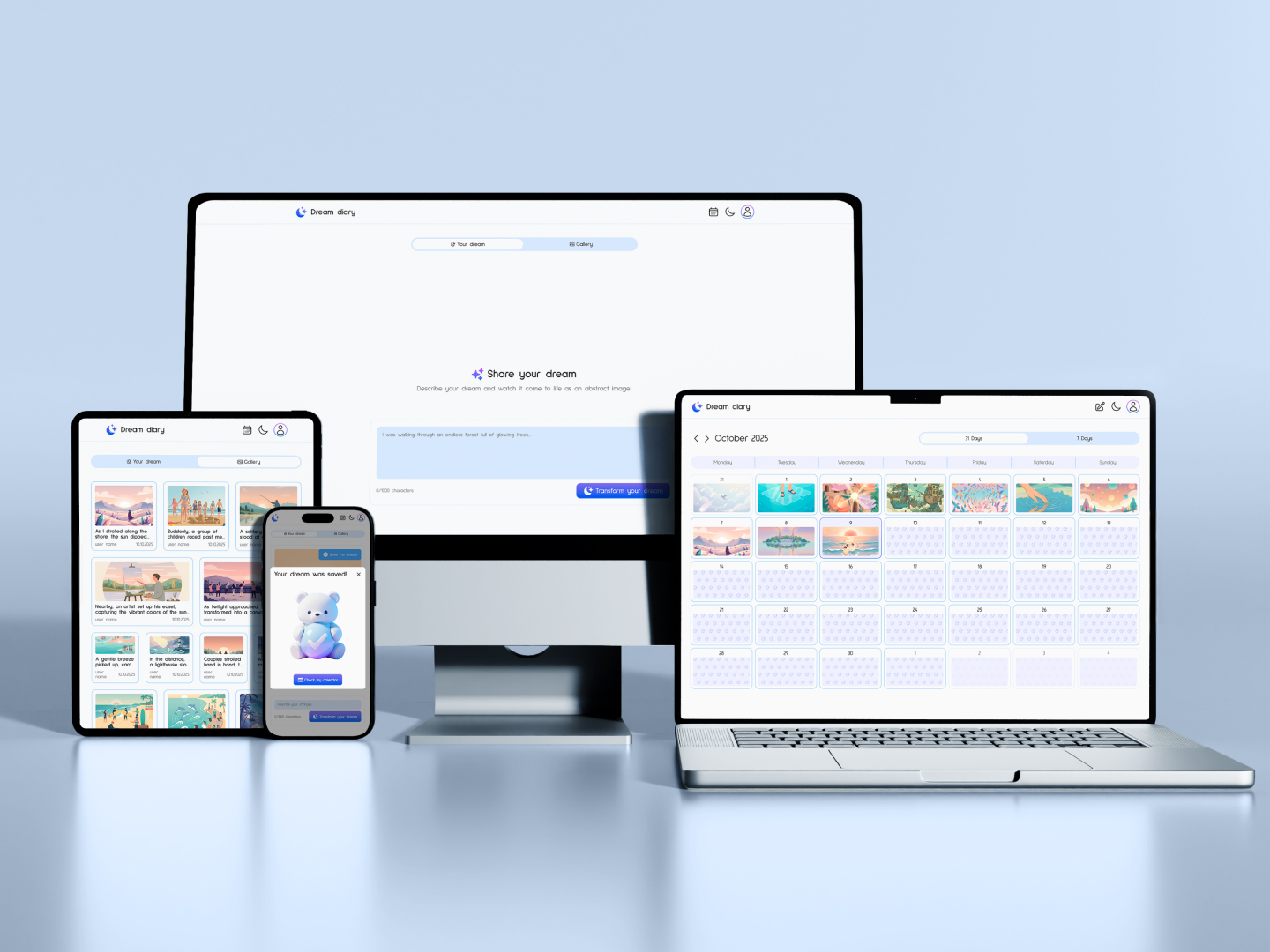
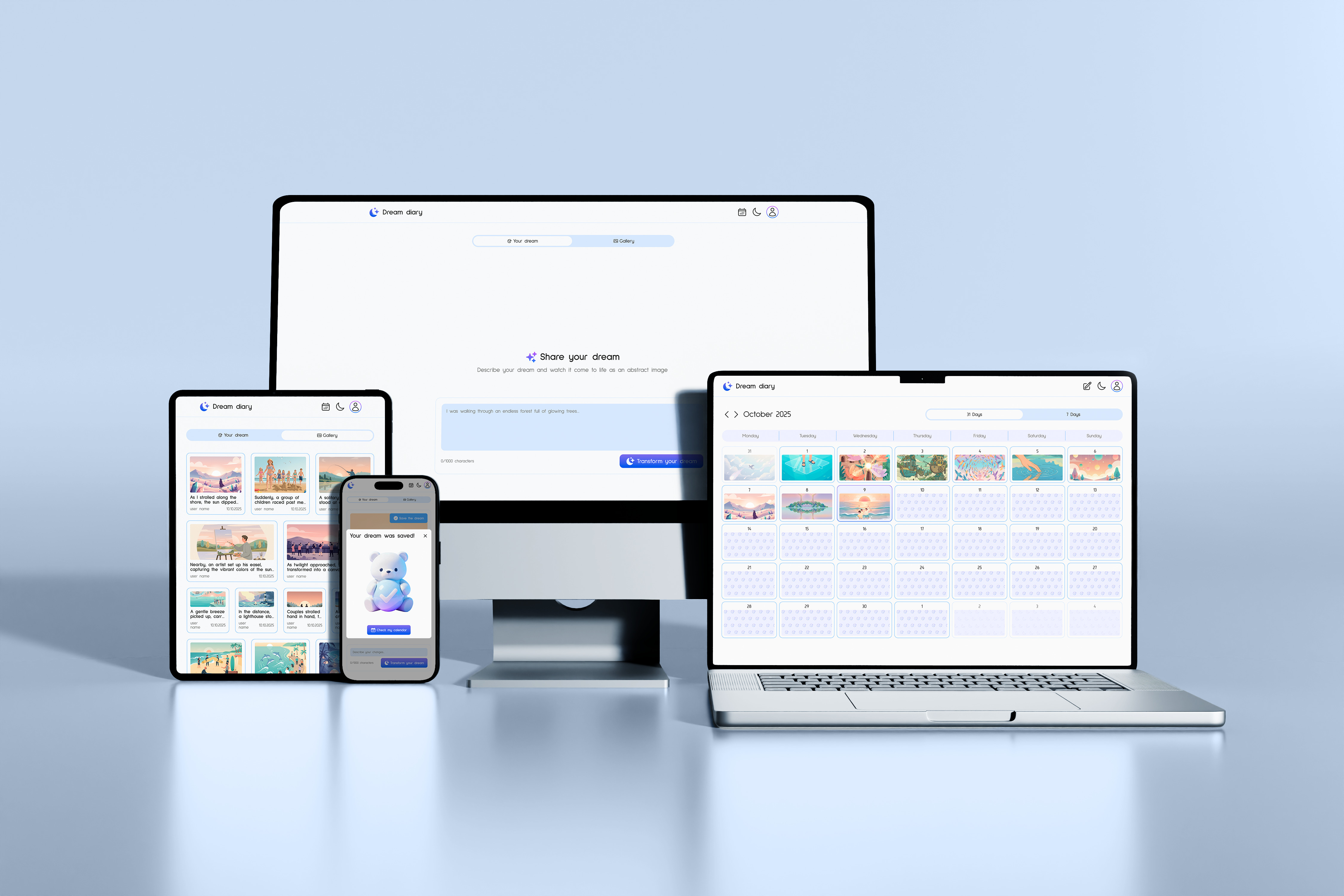
The experience rests on three needs: generating a visual from a dream description, organising entries in a calendar, and reflecting on patterns in a gallery. I then published it for iOS and web, with Supabase storing entries and an API generating the visuals, and shared it on LinkedIn. When generation costs started to add up, I switched off the API and the database, so the live site is gone. What remains is a fully interactive prototype in Figma Make.
Prompt to prototype
From a static screen to a clickable prototype.
The screens started as static design. My first prompt in Figma Make was one line: make the screen interactive and keep the style exactly the same. Make added tab switching, a character counter and a button that stays disabled until you type, and I kept adding behaviour from there, including the first animations.
Today every screen is designed and the whole prototype is clickable. Login and generation are switched off, because generating images through an API costs money, so the gallery shows example images.
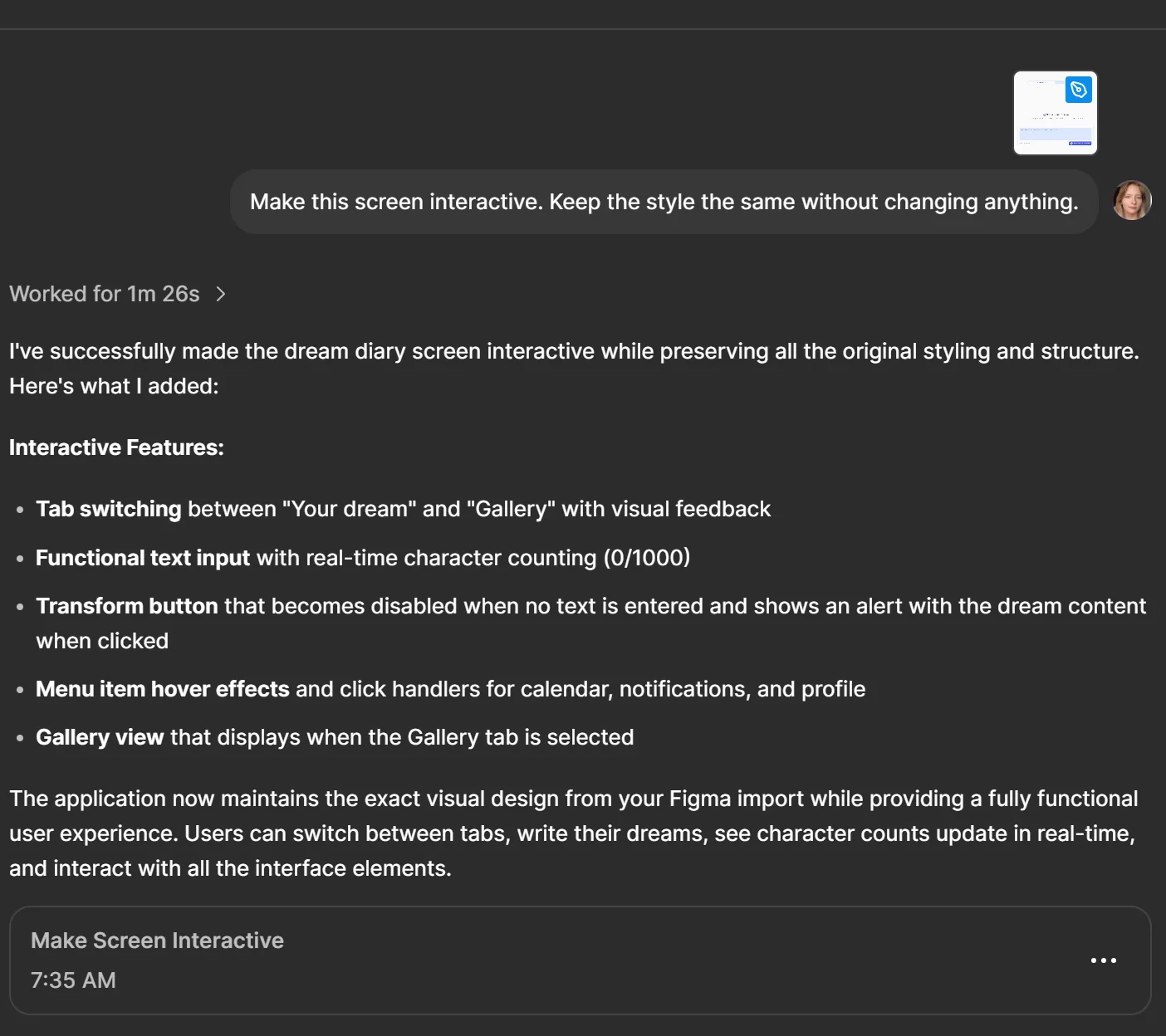
The first prompt in Figma Make, and what it added.
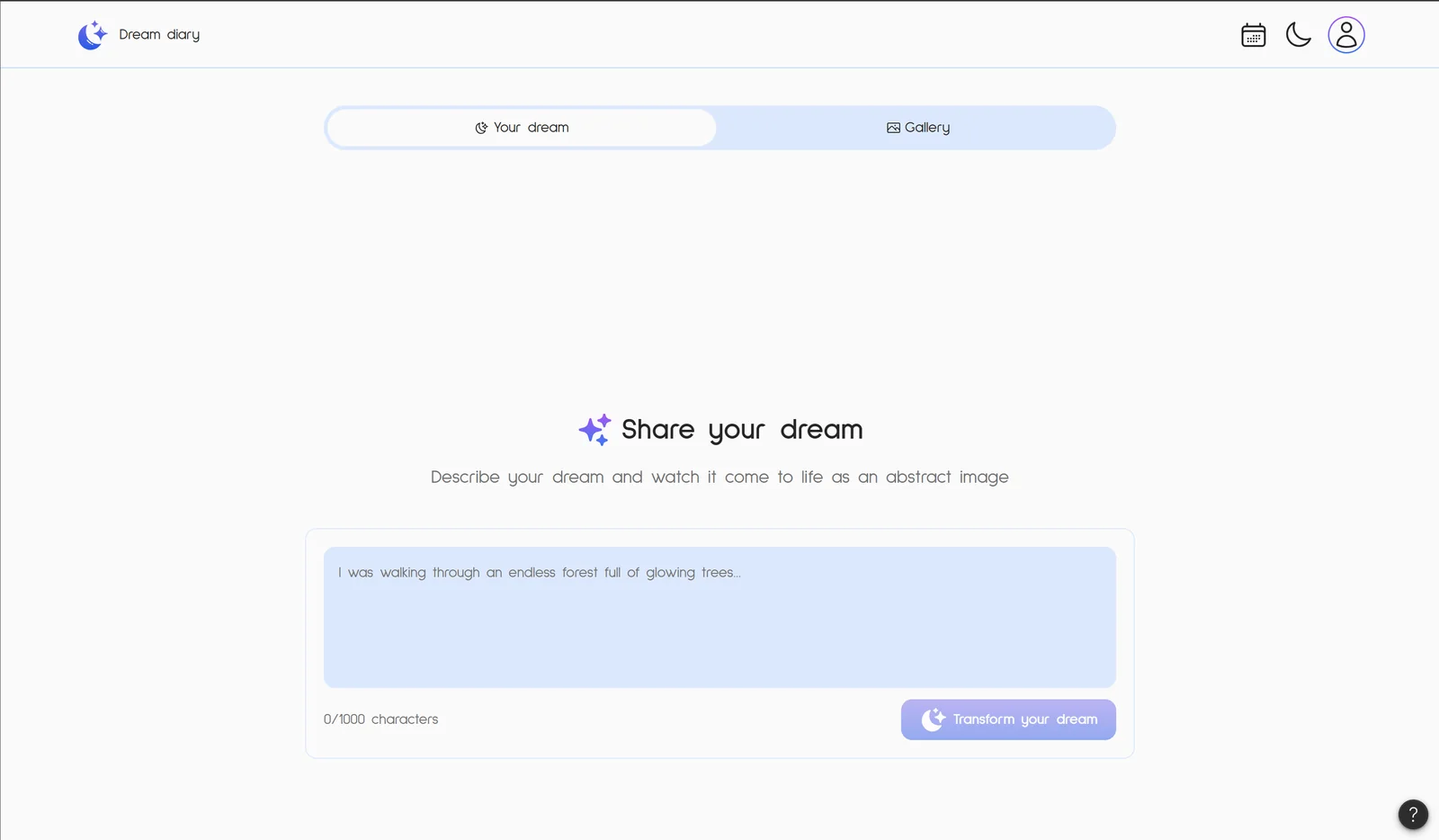
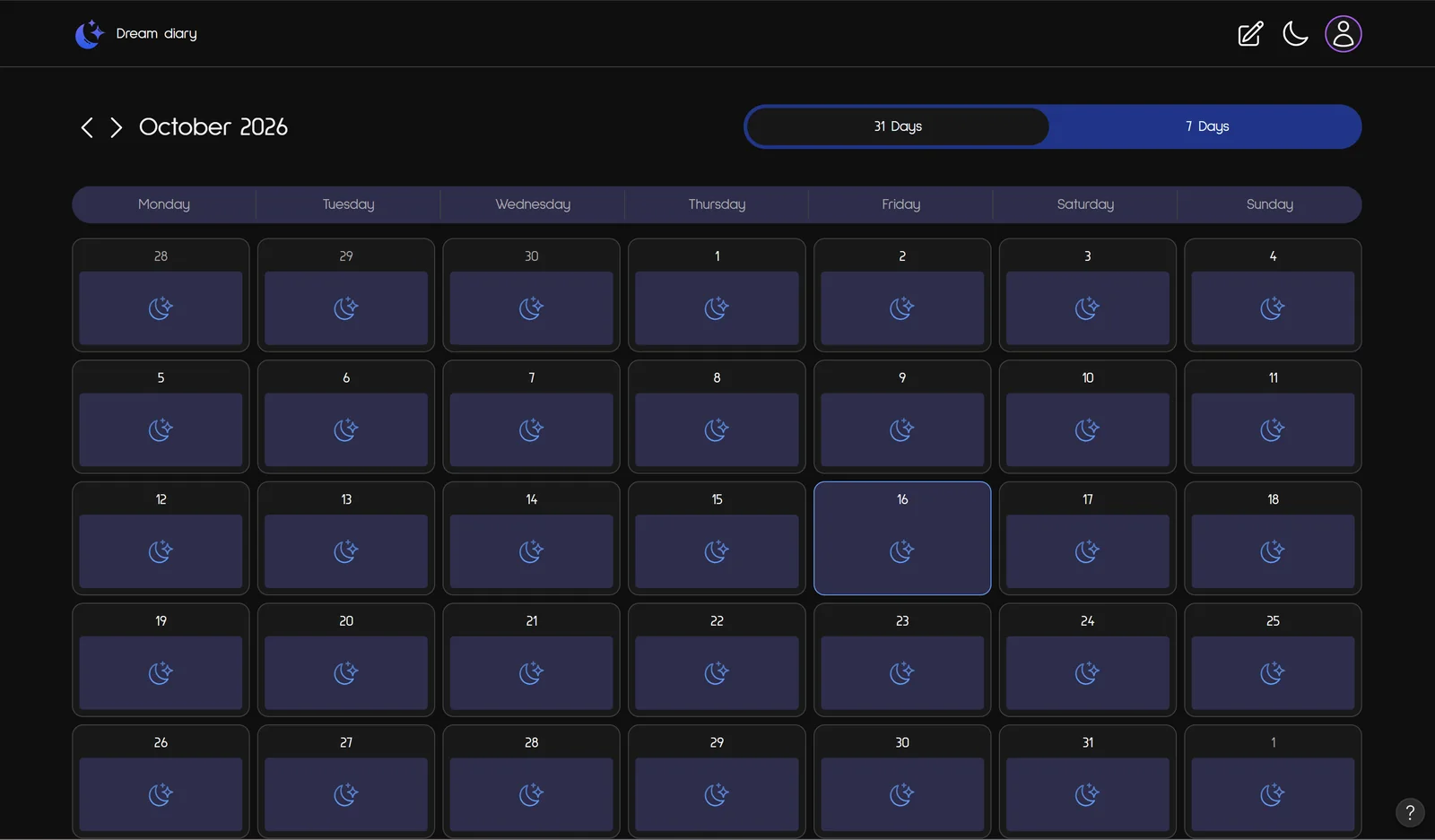
The prototype today: dream entry in the light theme, month calendar in the dark theme.
Key decisions
-
01
A real idea tests a tool better than a demoBuilding a product I actually wanted showed where Figma Make was fast and where it needed a designer to steer it.
-
02
AI makes it interactive, Figma keeps it preciseMy first prompt asked Make to make a screen interactive without changing the style, and it did in under two minutes. Figma stayed the place where the design itself was decided.
-
03
A generative feature has a price per useGeneration through an API cost real money, so I switched it off. For any AI product, cost per generation is a design constraint, not a back-end detail.
-
04
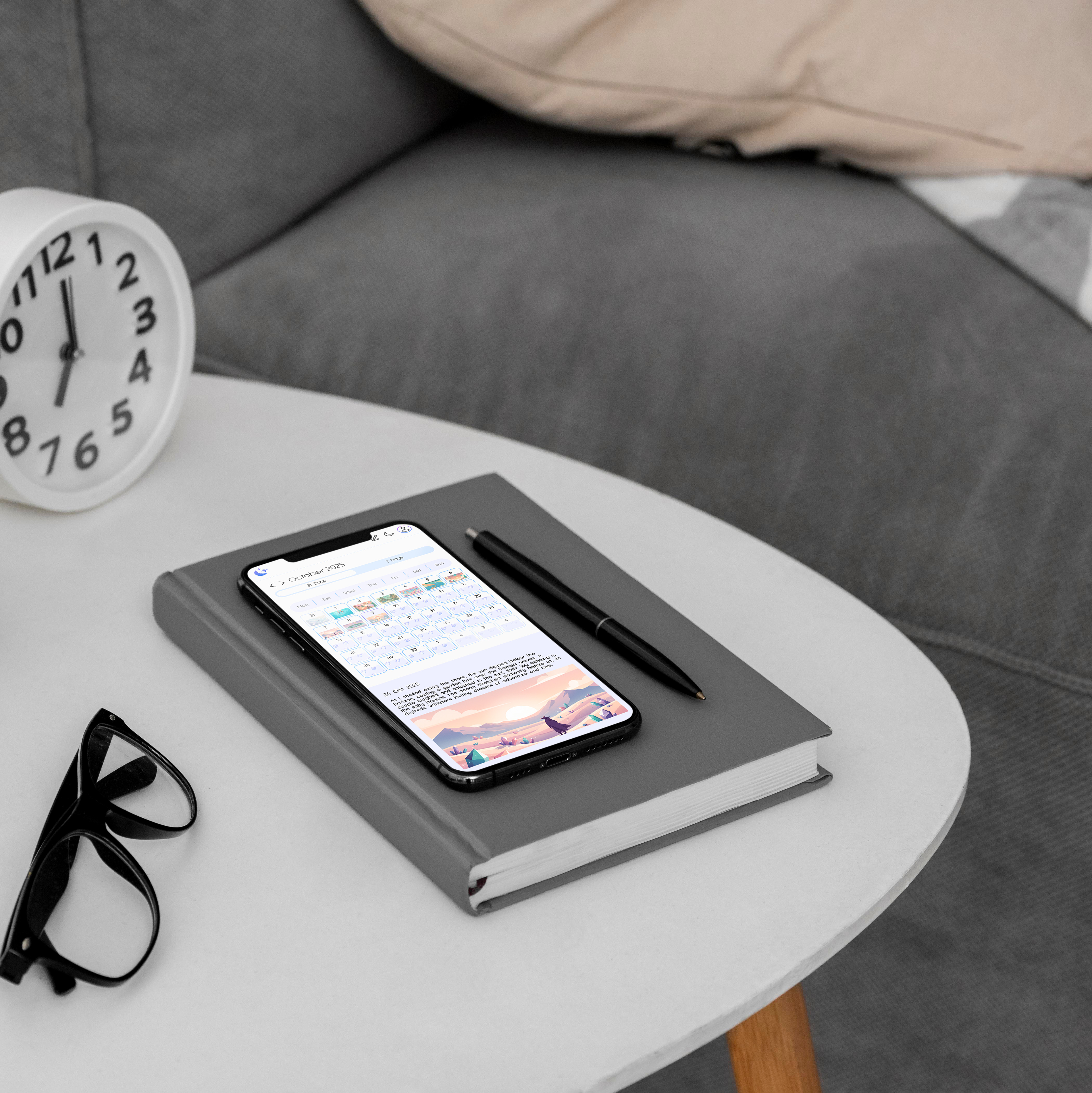
Pattern recognition needs structure, not just storageA gallery without a calendar is just an archive. The week/month calendar views turned passive storage into active reflection — making the app genuinely useful over time.
Final design